

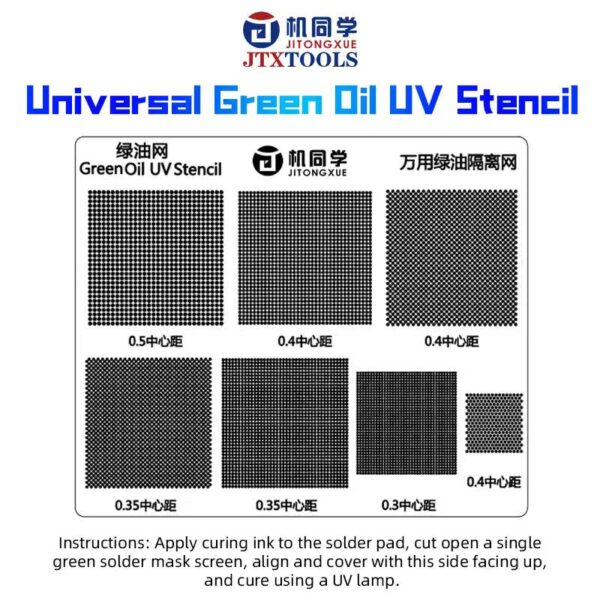
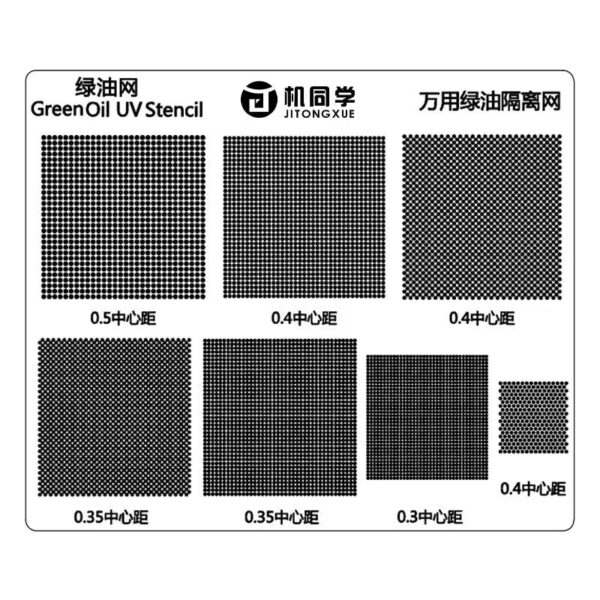
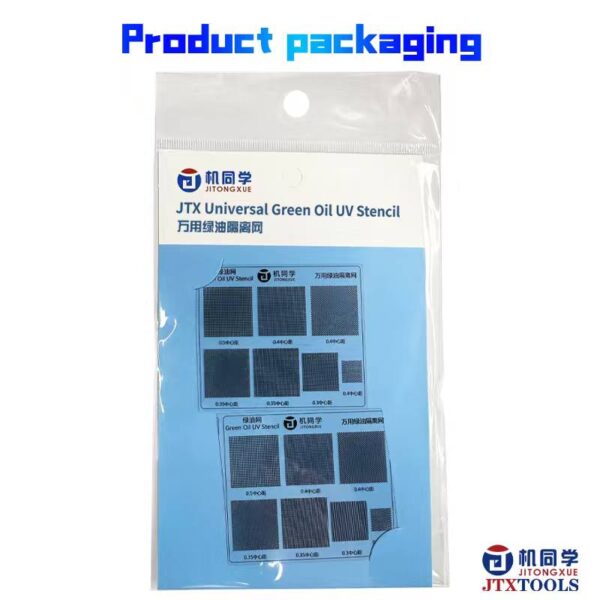
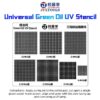
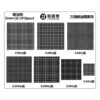
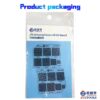
JTX Universal green oil isolation stencil
4 $
Extra Features
- Premium Quality
- Secure Payments
- Satisfaction Guarantee
- Free Delivery over 50$ Orders
- Cash on Delivery
JTX Universal green oil isolation stencil
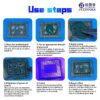
How to Use :
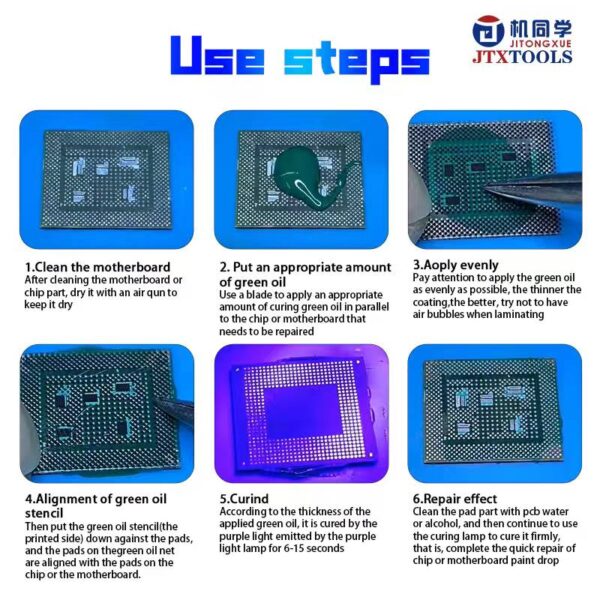
Step 1: Preparation & Cleaning
Thoroughly clean the motherboard or chip surface to remove any residue. Once cleaned, use an air gun to dry the area completely. Moisture or oils will prevent the mask from adhering properly.
Step 2: Application
Apply a small, appropriate amount of green oil to the repair site. Use a flat blade or spatula to spread the oil in parallel across the chip or motherboard section that needs repair.
Step 3: Leveling the Coating
Spread the oil as evenly and thinly as possible. Thin layers are better for a clean finish. Take care to avoid creating air bubbles, as these can weaken the insulation.
Step 4: Stencil Alignment
Place the green oil stencil (printed side facing down) onto the pads. Carefully align the holes in the stencil with the specific pads on the chip or motherboard that you need to keep clear of the mask.
Step 5: UV Curing
Expose the area to a UV (purple) curing lamp. Depending on the thickness of the oil applied, hold the light over the area for 6 to 15 seconds until the mask hardens.
Step 6: Final Cleanup & Hardening
Use PCB cleaner or alcohol to wipe away any excess oil from the pads. To ensure maximum durability, give the area one final blast with the UV lamp to firmly cure the remaining mask. Your repair is now complete!